How to Go Live on TikTok: Rules, Steps and PC
How to go live on TikTok: the age and follower rules TikTok states, phone and LIVE Studio steps, why you may not have access, and how to sell after a LIVE.

Here is how to go live on TikTok: tap the Add post + button, choose LIVE, add a title and tap Go LIVE. First you have to qualify. TikTok says you must be at least 18 and have 1,000 followers, and the follower rule may vary by region. Before you start, put a link in bio page on your profile, because viewers who enjoy your LIVE will tap your profile next.

Photo: Afffect on Unsplash
We read TikTok's own support and LIVE Studio help pages on 8 November 2026. This guide covers the rules as TikTok states them, the phone and computer steps, why the button may be missing, and how to earn from a LIVE after it ends.
How to go live on TikTok: the short answer
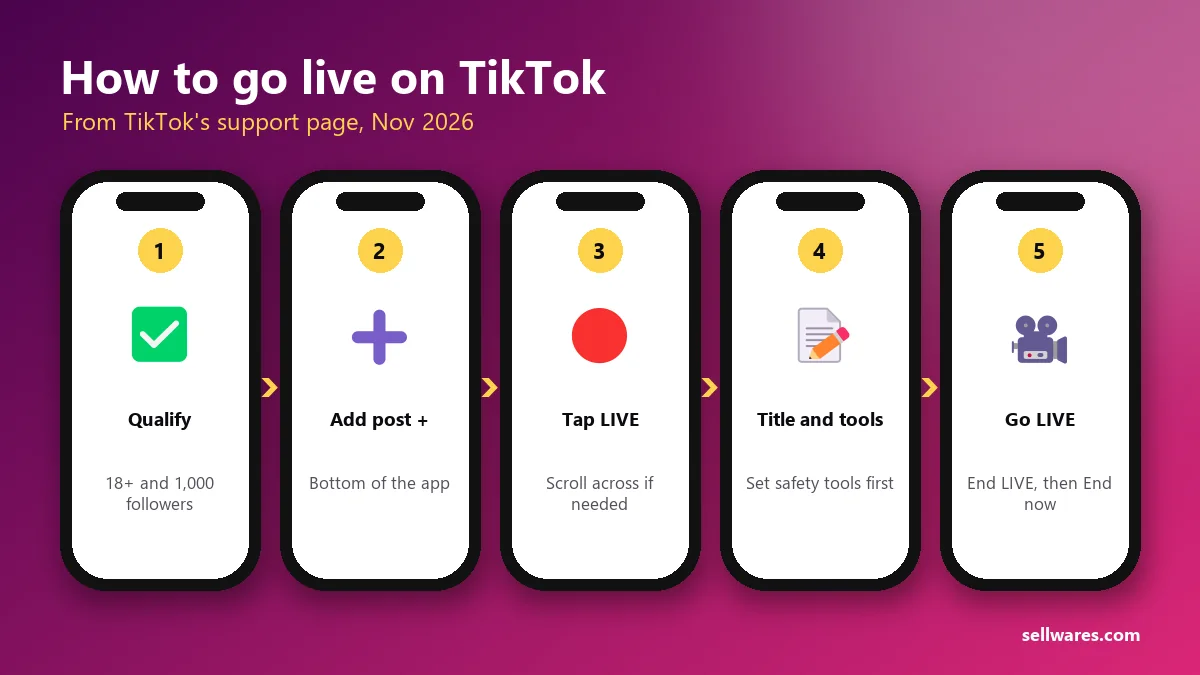
- Check you are 18 or older and have 1,000 followers (TikTok says this may vary across regions).
- In the TikTok app, tap the Add post + button at the bottom.
- Tap LIVE at the bottom. You may need to scroll across.
- Add a title, pick your LIVE tools and adjust your settings.
- Tap Go LIVE. To finish, tap End LIVE at the top, then End now.
On a computer, you use TikTok LIVE Studio instead. Its steps are further down.
Requirements to go live on TikTok
TikTok's support page lists only a few rules. Its LIVE Studio help adds more for desktop access.
| Requirement | What TikTok says | Where it says it |
|---|---|---|
| Age to go LIVE | At least 18 years old | TikTok Support: What is TikTok LIVE? |
| Age for Gifts | At least 18 (19 in South Korea) to send or receive Gifts | TikTok Support |
| Followers | 1,000 followers, "may vary across regions" | TikTok Support |
| Your country | LIVE and Gift features "aren't currently available everywhere" | TikTok Support |
| Account standing | Follow the Community Guidelines and Terms of Service | TikTok Support |
| LIVE Studio access | Account age, recent LIVE time and follower count above set levels, and no recent suspension | LIVE Studio Help: Apply for LIVE access |
The LIVE Studio page does not give exact numbers for account age or LIVE time. It says the requirements "vary by country or region and are subject to change without notice."
How many followers on TikTok to go live?
TikTok's answer is 1,000 followers, with the note that it may vary across regions. It does not publish a list of regions with other limits. So if a friend in another country went live with fewer, both of you may be right.
How old do you have to be to go live on TikTok?
You must be at least 18 to go LIVE. Sending or receiving Gifts during a LIVE also needs 18, or 19 in South Korea. Many older guides say 16; TikTok's current support page says 18.

Photo: Maria on Unsplash
How do you go live on TikTok from your phone?
The steps above come straight from TikTok's support page. A few details make the first LIVE smoother:
- Write a clear title. It shows to people deciding whether to join. "Editing your photos live, ask me anything" beats "hi".
- Set your safety tools first. TikTok says you can change LIVE tools and safety settings during a LIVE too, by tapping More, then Settings.
- Use Wi-Fi and a stand. A shaky, buffering stream loses viewers fast.
- Know how to end. Tap End LIVE at the top, then End now.
How to go live on TikTok on PC with LIVE Studio
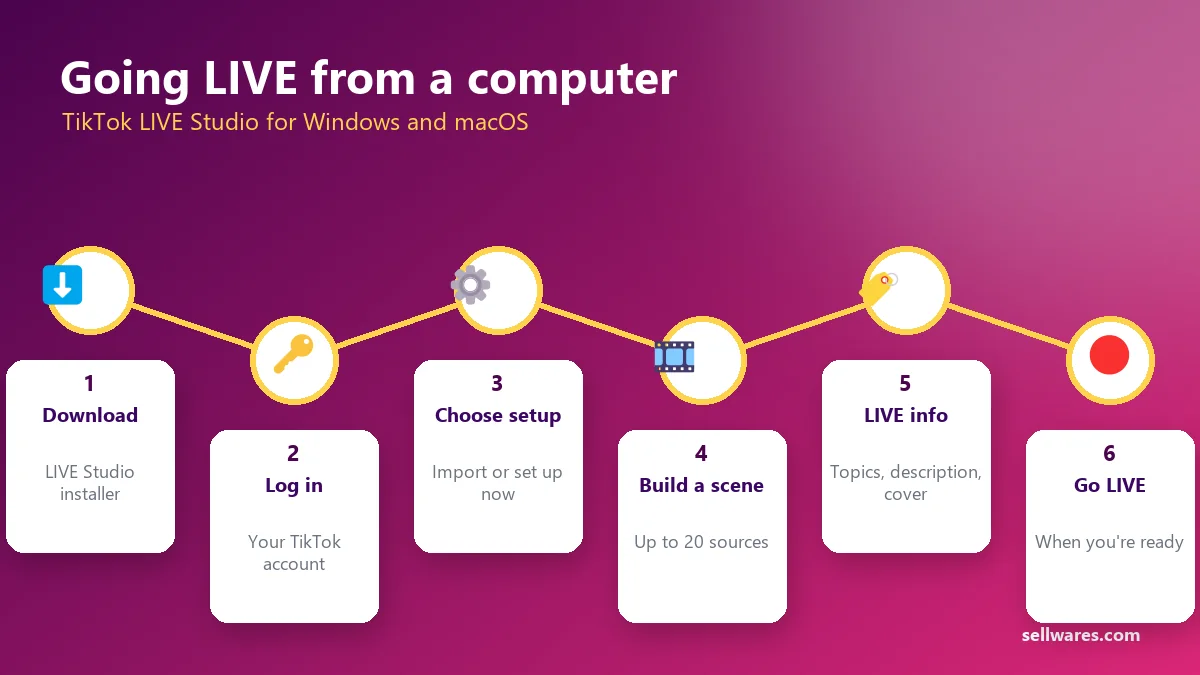
LIVE Studio is TikTok's own desktop streaming app. Its help center says it runs on macOS and Windows.
- Download LIVE Studio from TikTok's official site and run the installer.
- Log in with your TikTok account.
- Choose a setup. Pick "Import from another tool" to bring settings from another streaming app, or "Set up now" to start fresh. Setup covers LIVE content, microphone and camera, and LIVE quality.
- Build a scene. Click "Add scene", then "Add source". You can add up to 20 sources per scene, such as your camera or a screen capture.
- Check audio in the audio mixer and set your volume.
- Add your LIVE info: topics, description and cover.
- Go LIVE when you are ready.
If you are not already a LIVE creator in the mobile app, LIVE Studio asks you to get LIVE access first. Click your LIVE access status in the top right. Active LIVE creators who qualify get access instantly.
Some guides mention streaming through OBS with a stream key. We did not find that on the TikTok pages we read, so we cannot confirm who gets one.
How to go live on TikTok without 1000 followers
Be careful with "hacks" here. TikTok's stated rule is 1,000 followers, adjusted by region. We found one official route for smaller TikTok accounts:
- Stream elsewhere already? LIVE Studio has an application for "streamers from other platforms". You click Apply and follow the steps. TikTok says the review "might take days" and you get a notice in the app if approved.
Other ideas you will see online, such as switching account type or joining someone else's LIVE as a guest, are not confirmed on TikTok's pages. Until you qualify, grow with regular videos. Our guide to the best time to post on TikTok shows how to find when your viewers are online.
Why can't I go live on TikTok?
Work through this list from top to bottom:
- You are under 18. LIVE is for adults only.
- You have fewer than 1,000 followers, or fewer than your region requires.
- LIVE is not offered in your country. TikTok says LIVE features aren't available everywhere.
- Your access was suspended or revoked. Breaking the Community Guidelines can cost LIVE access. LIVE Studio lists "no current access suspension or revocation" as a condition.
- You are on the computer without LIVE access. Apply inside LIVE Studio.
- Your app is out of date. Update TikTok from your app store and look again.
How to sell during and after a TikTok LIVE
Most guides end when the LIVE starts. But a LIVE is your warmest audience: people who chose to spend time with you right now. Plan what they can do next.
Before the LIVE
- Pick one offer. A template, a guide, a coaching call or a free download. One clear offer beats five.
- Put it at the top of your bio link page. Viewers tap your profile during and after a LIVE. Our guide on adding a link to your TikTok bio covers the steps.
- Announce the time. TikTok's LIVE Studio help suggests a consistent schedule, posting it in your bio and setting up LIVE events.
During the LIVE
- Teach or show first. Give real value for most of the stream, then mention the offer once or twice.
- Say exactly where to go: "The free checklist is the first button in my bio."
- Ask a moderator to repeat it. TikTok's help suggests moderators repeat your intro and topic in chat for people who join late.
After the LIVE
- Post clips. TikTok's help suggests posting clips and upcoming schedules on your profile.
- Follow up by email. Anyone who grabbed your free download is now on your list.
- Offer a next step. If you coach, a booking page lets viewers turn interest into a call; see how coaches price their sessions.
On Sellwares, your link in bio page is free, and people can buy or book without leaving it.
What we found in the top results
We checked Google's US results and Ahrefs data for this search on 8 November 2026.
- TikTok's support page ranks near the top with 403 linking websites. It covers age, followers and phone steps, but not PC, missing access or selling.
- A Reddit thread with 2 linking websites ranks at #5. Reddit blocked our reader, so we could not see the replies.
- Two YouTube tutorials and TikTok videos fill much of the top 10. TikTok shows no text to automated readers, so we could not check them.
- Insta360's guide ranks at #8 with 8 linking websites. It refused our read (HTTP 403).
- Google's AI Overview mentions OBS stream keys and limited trials for small accounts. We could not confirm either on TikTok's pages.
Want viewers to remember you after the LIVE ends? Read how to build a personal brand.
Go live with somewhere to send people
Check the rules, test your setup, and plan one clear offer before you tap Go LIVE. Create your free link in bio page so every viewer has a next step.
Questions
How do I activate LIVE on TikTok?
There is no switch to turn on. When your account meets TikTok's rules (18 or older, 1,000 followers, which may vary by region, and LIVE available in your country), the LIVE option appears after you tap Add post +. On a computer, LIVE Studio shows your LIVE access status in the top right.
Can anyone start a TikTok LIVE?
No. TikTok limits LIVE to people aged 18 or over with 1,000 followers, adjusted by region, who follow its Community Guidelines. LIVE features are also not available in every country.
Can I go live on TikTok for free?
TikTok's LIVE support and LIVE Studio help pages list no fee for going LIVE. What you need is an account that meets the requirements: 18 or older, 1,000 followers (may vary by region) and LIVE available in your country.
Can I go live on TikTok with friends?
TikTok lists multi-guest hosting among its LIVE features, so you can bring others into your LIVE. Each person uses their own account, and some features are not available everywhere.
Can I go live on TikTok from an iPhone or Android?
Yes. The steps are the same in the TikTok app on both: tap Add post +, choose LIVE, add a title and tap Go LIVE.
Sources
Related
 BlogTikTok bio link · 6 min readHow to Add a Link to Your TikTok Bio (2026 Guide)How to add a link to your TikTok bio in 5 taps, why the option may be missing under 1,000 followers, and which link to use so people click and buy.
 Oliver BennettRead the post →
 Free Link in Bio Store With 0% FeesA free link in bio that sells: links, products, bookings and email sign-ups on one page, with 0% transaction fees and…
 Janie BrooksTake a look →
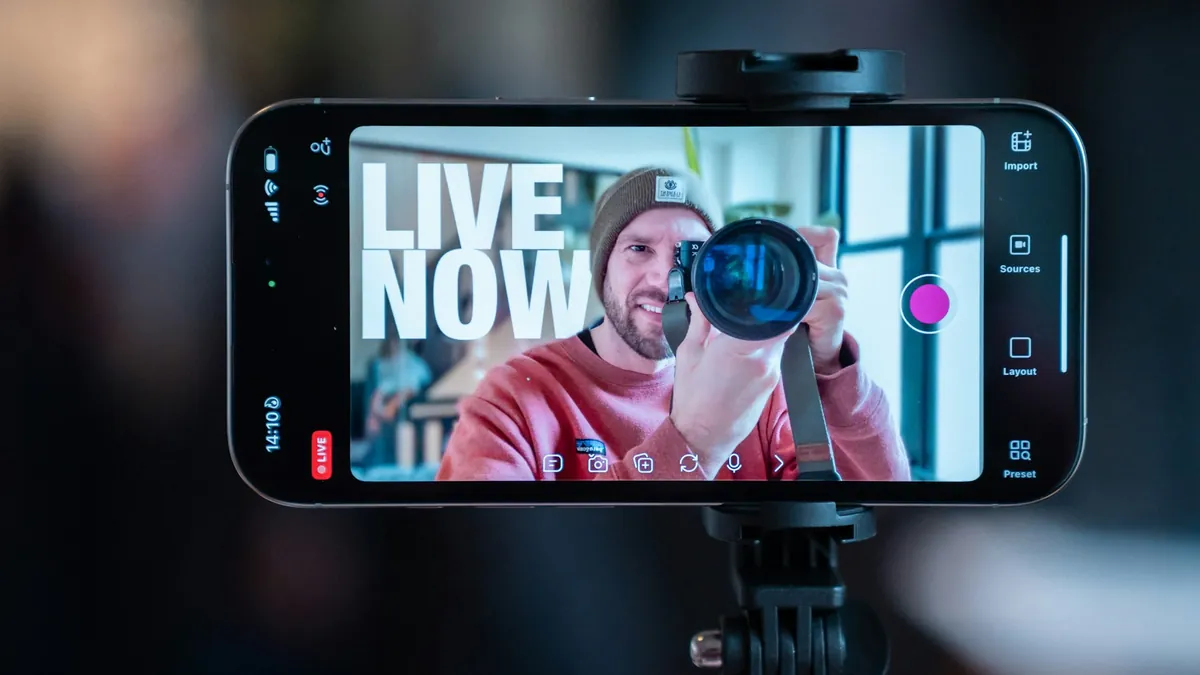 BlogUGC become · 6 min readHow to Become a UGC Creator (No Followers Needed)How to become a UGC creator with no followers: pick a niche, film sample videos on your phone, build a portfolio page…Oliver BennettRead the post →
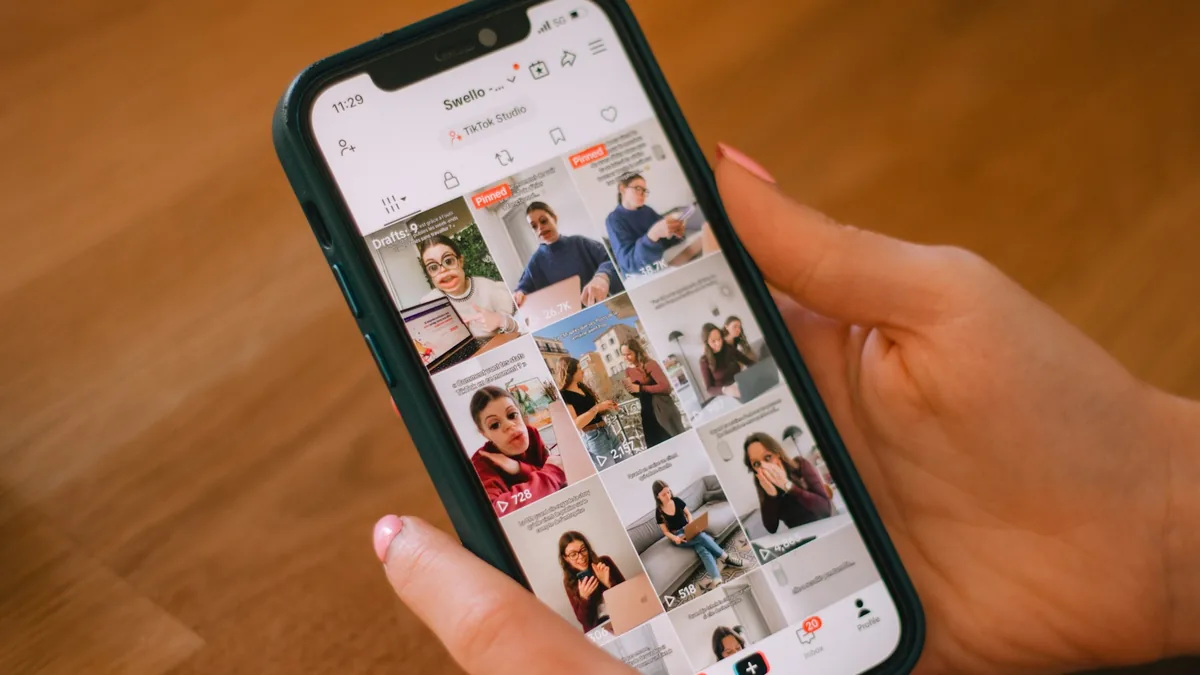 BlogTikTok best time · 7 min readBest Time to Post on TikTok in 2026 (3 Studies)The best time to post on TikTok by day, from Sprout Social, Buffer and Hootsuite, where they disagree, and how to find…Oliver BennettRead the post →
 Guide30 min · 9 stepsEmail Segmentation: A Step-by-Step Guide (2026)Email segmentation step by step: import contacts with tags, build segments from rules, check the live count and send a…Janie BrooksFollow the guide →